DoomToolbox
Table of Contents
1. About
DoomToolbox is a collection of add-ons for UZDoom and LZDoom and their derivatives.
Goals:
- to increase replayability of compatible games and mods,
- to customize the game to your liking,
- to have fun both while playing and developing this project.
Development style: "Move slow and fix things".
- Dev builds
- HTML documentation
- Source: GitHub, Codeberg
- Doomworld topic, and some add-ons and modules also have ZDoom forums threads.
DoomToolbox is free and open source software. It's licensed under GPLv3 and
BSD-3-Clause.
See SPDX-License-Identifier tag inside files or nearby REUSE.toml files for details.
This project doesn't have any "AI" generated code or resources, and doesn't use "AI" tools for development.
2. Projects
| Name | Description | Forum |
|---|---|---|
| Add-ons | ||
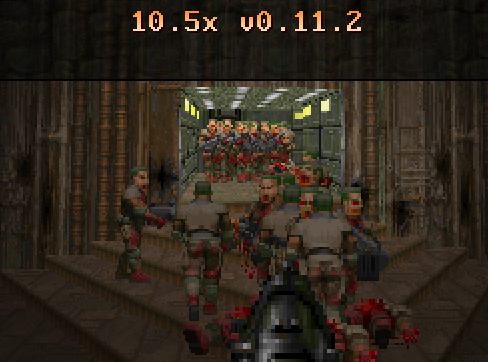
| 10.5x | enemy number multiplier | link |
| Autoautosave | universal autosaver | link |
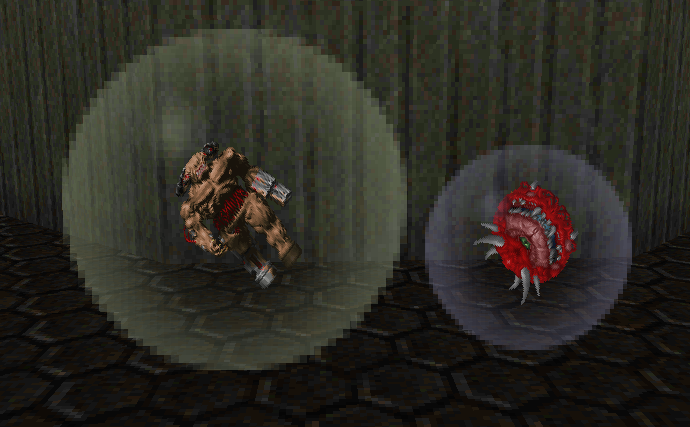
| BubbleEm | bubbles instead of corpses | link |
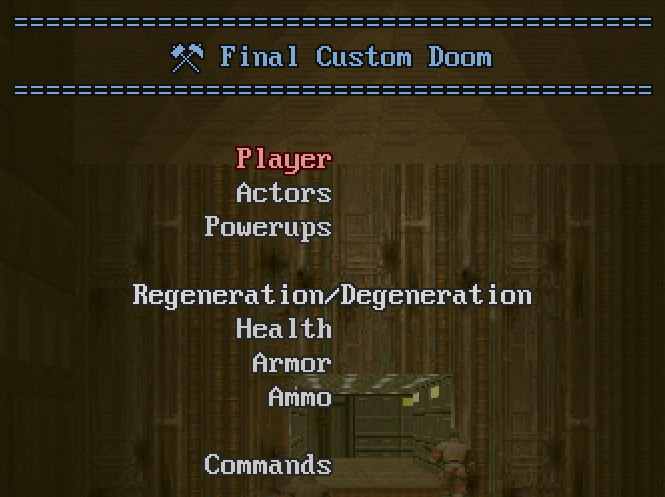
| FinalCustomDoom | gameplay customization options | link |
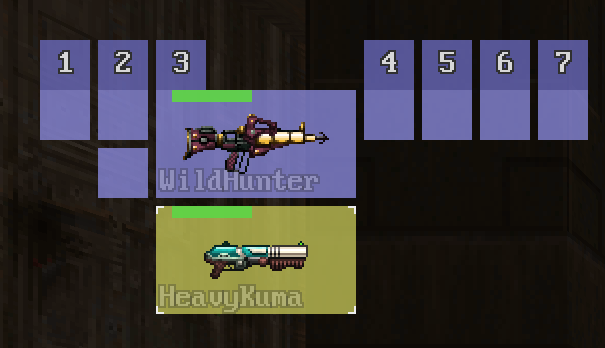
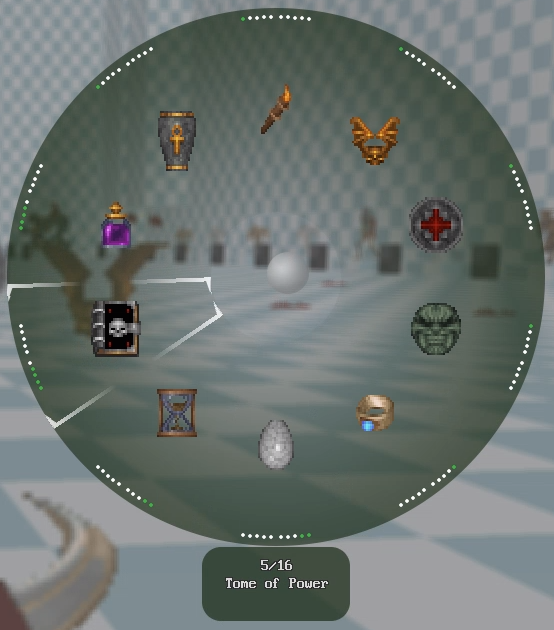
| Gearbox | more convenient ways to select weapons and items | link |
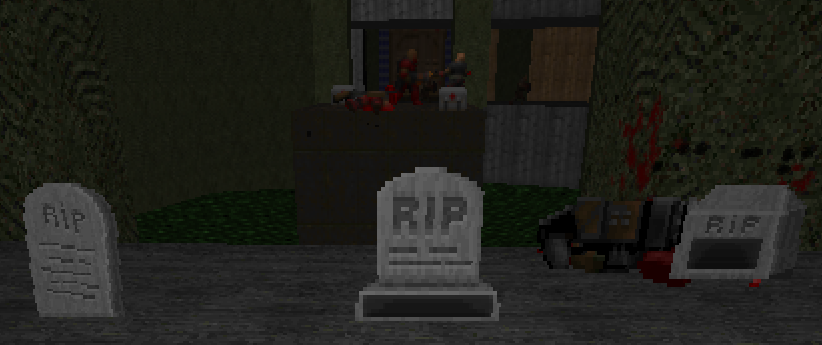
| Graveyard | places gravestones where you die | link |
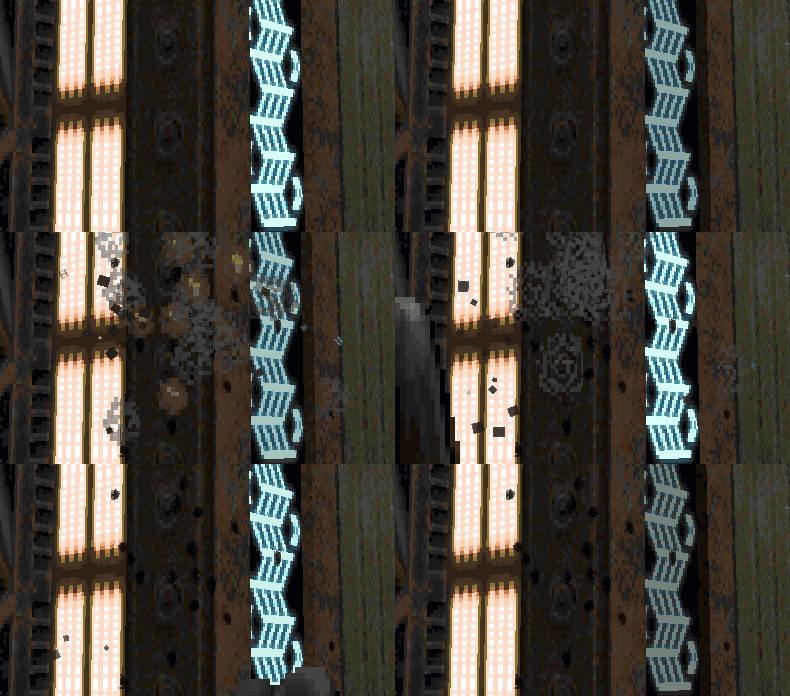
| HitImpact | textured particles when level geometry is hit | link |
| Nomina | enemy names helper | link |
| PreciseCrosshair | makes a crosshair point to where you actually shoot | link |
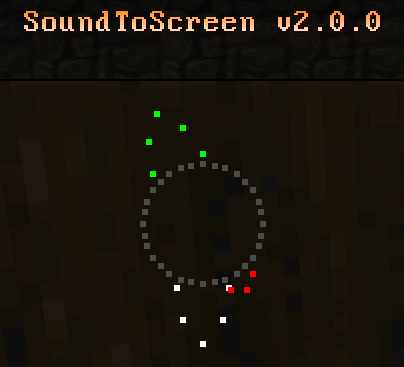
| SoundToScreen | shows where sounds come from | link |
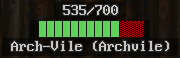
| TargetSpy | enemy health bar | link |
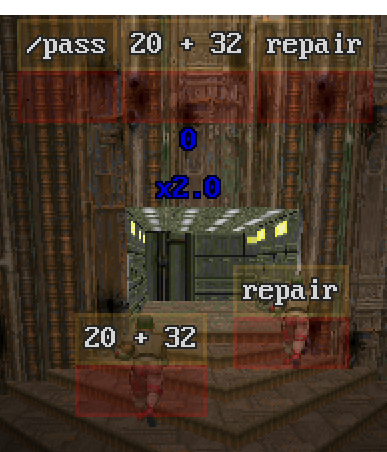
| Typist.pk3 | turns FPS games into typing exercises | link |
| WarmReception | alters enemy behavior on level start | link |
| Modules | ||
| Fonts | fonts finder with graceful fallback | |
| LazyPoints | points scoring | |
| libeye | (originally by KeksDose) level and screen projections | |
| LispOnZscript | toy Lisp-like language on top of ZScript | link |
| MD5 | (originally by 3saster) MD5 implementation in ZScript | |
| PreviousWeapon | provides a key to select a previous weapon | |
| StringUtils | string manipulation library | |
| VmAbortReporter | prints a report when VM abort happens | |
| Development | ||
| ClematisM | (originally by ZippeyKeys12) ZScript unit test framework | |
| DoomDoctor | mod development and debugging utilities |
Add-ons can be included and used in your own projects. This isn't recommended: players can't play your project with updated add-ons until your project updates it.
Modules are intended to be included as a part of other projects. Some DoomToolbox add-ons include them.
Some of DoomToolbox add-ons were the part of so called "m8f's toolbox".
3. Gallery
10.5x:
BubbleEm:
FinalCustomDoom:
Gearbox (with Heretic on Kinsie's Gameplay Mod Test Map and with Treasure Tech):
Graveyard:
HitImpact (with BTSX E1 MAP01):
SoundToScreen:
TargetSpy:
Typist.pk3:
4. Help appreciated
- playtesting: compatibility with games and mods, multiplayer
- UX suggestions: visuals, wording, usability
- code reviews: errors, style, readability
- code contributions: optimizations, features (try to keep project scope)
- translations

5. Build
Build is supported on recent versions of GNU/Linux and Microsoft Windows.
To build:
- Install Python, version >= 3.13
- Install Emacs, version >= 30.1
- Install UZDoom, version >= 4.14.3
- Install development tools (a venv recommended):
pip install -r tools/requirements-dev.txt - In console in project directory, see what can be built with command:
scons --help - Build what you need.
To build an add-on PK3, for example FinalCustomDoom, use this command:
scons FinalCustomDoom.pk3.
It will create FinalCustomDoom-NNNN.pk3 in directory build.
To build a module so you can use it in your project, for example, StringUtils, use
this command: scons StringUtils. It will create directory StringUtils in
directory build, which will contain StringUtils.zs, in which you can replace
NAMESPACE_ with your unique namespace, and then include in your project.
All commands require that PATH environment variable has Emacs, tests also require
UZDoom in PATH. All commands put their results in directory build, and may remove
files and directories there.
⚠ !WARNING!
- Scons scripts contain code. Only run
sconsfor projects you trust. - Org files may contain code, extracting the source files may execute it. Only extract files from Org files from the sources you trust.
Tests use Miniwad: minimalist IWAD internally.
6. Development
Used languages:
- add-ons, modules: ZScript (main), Emacs Lisp (supporting macros)
- build: Python (main), Emacs Lisp (helper functions)
Python or Emacs Lisp knowledge isn't needed to contribute to add-ons and modules.
prek must be installed in Git repository for pre-commit checks.
Optional: Org mode extension for your preferred text editor, if it's not Emacs. Org mode files can be edited as plain text, but an extension should add convenience features such as syntax highlighting.
Documentation: